
Traffic workflows
Organize reference steps for common traffic-related situations without presenting the app as official procedure.
Original CORCINGA project
Clearer guidance for traffic, crash, legal-reference, and report-related workflows.
An independent guided police field-reference and workflow application being developed for mobile use. Official-source information remains distinct from material that requires human, directive, or legal verification.
Follow Corcinga Patrol™ updates
Prototype previews
These approved earlier screens show the mobile design direction on iPhone and Android. Preview images use public or synthetic demonstration data; no live case, person, or location information appears.
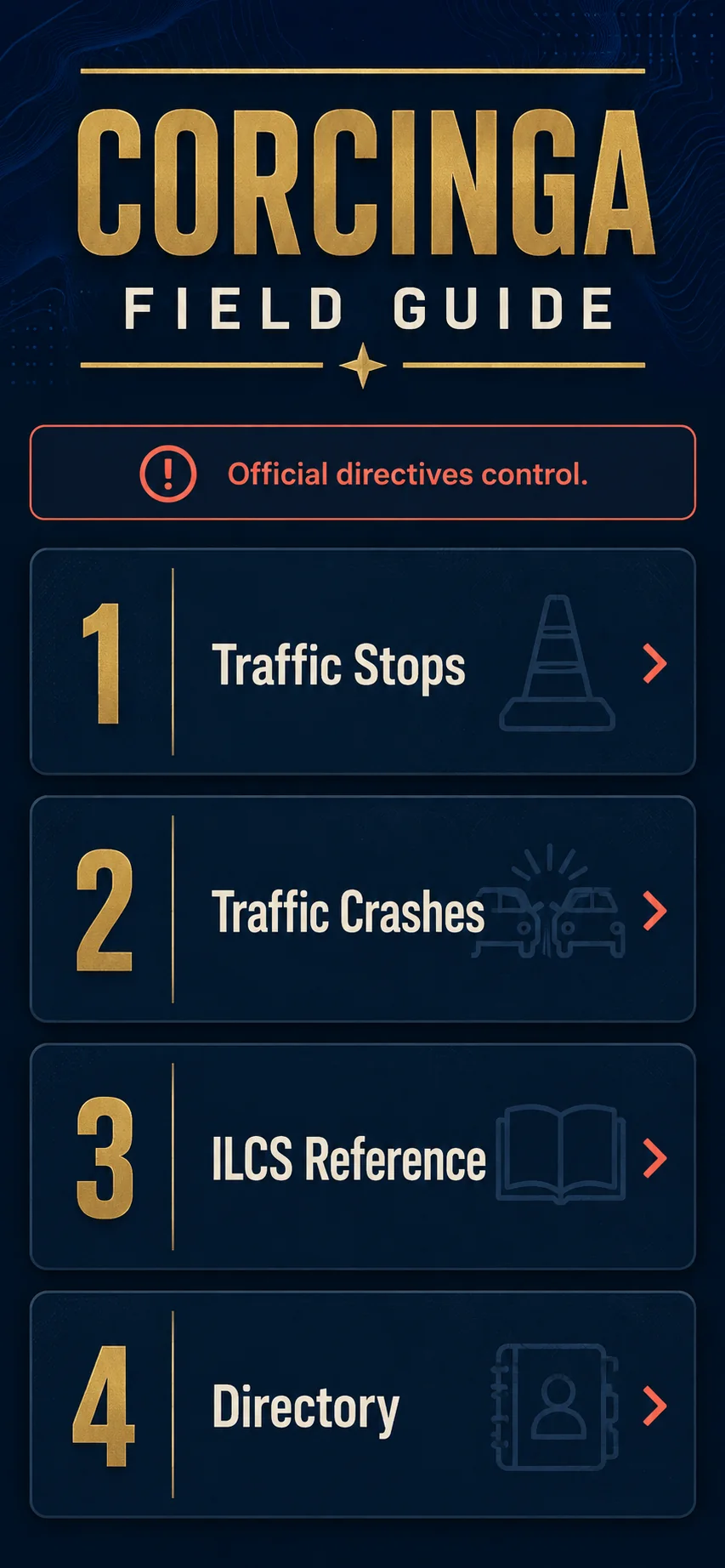
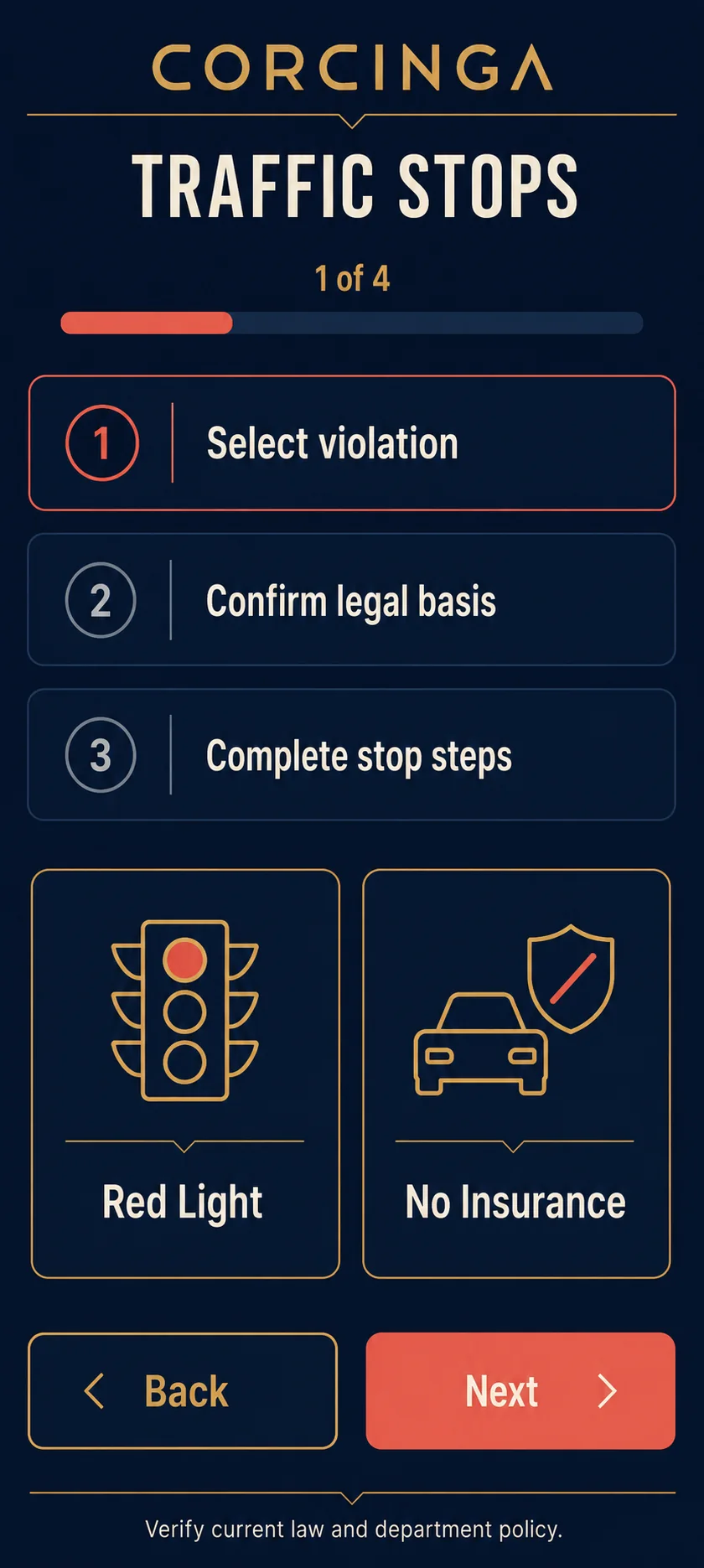
Designed for clarity
The prototype brings related guidance into focused mobile flows while keeping official authority, privacy limits, and unfinished functions visible.
Organize reference steps for common traffic-related situations without presenting the app as official procedure.
Move through focused prompts that help structure information for report-related preparation.
Bring public legal-reference material and practical guidance closer to the moment it is needed.
Continue testing foreground location and address assistance while clearly labeling unresolved accuracy limits.
Choose Use live Google map to permit location-bearing map requests, or keep GPS only. GPS permission alone does not turn on live Google Maps.
After the choice is saved in a remembered-map preview, Google Maps can reopen when you return to Map or relaunch Patrol with current account and foreground authorization.
Patrol stops live GPS and removes its rendered map when inactive. Returning requires current authority and a fresh eligible position before displaying live location.
In earlier remembered-map previews, Map Options → Use GPS only stops Google Maps and saves an off choice. With automatic imagery, use Map Options → Location controls → Turn off Google Maps. If saving fails, the app keeps Maps off for that account-store session and asks you to retry; the earlier saved choice can return after restart or a new sign-in session.
Build 97 keeps live-map consent in memory for the current account, session, and Map page. Leaving that page or losing account authorization ends that consent. You choose again after relaunching Build 97.
Earlier previews include a separate public browsing mode. For public browsing, Patrol confirms that live GPS has stopped before opening Google Maps. The map starts with a public overview.
In previews with automatic imagery, Patrol starts with Street, switches to Satellite after sustained fast connection and map-render checks, and returns to Street when performance drops. After live-map consent, Patrol combines foreground GPS and Google imagery on one screen and keeps the on-device address visible.
The owner verified Build 82 on iPhone and opened Patrol on the paired Apple Watch. The checks covered the offline privacy policy, foreground location controls, offline map search, local captures, and Watch address and duty features.
Build 82 used bundled Chicago maps on the iPhone. The Watch can use Apple Maps to look up a nearby address.
TestFlight access is invitation-only for owner testing. Public downloads are unavailable through TestFlight, the App Store, and Google Play.
The Corcinga Patrol Privacy Policy covers the map modes used in private iPhone previews. The Website privacy notice describes the public feedback form and optional update lists.
Latest verified prototype work
The features below are prototype work. They are not authorized Department procedure, a live evidence connection, or a production feedback service.
A five-step reference concept covers evidence type, associated identifier type, before-upload checks, upload, and a final check.
Department-specific procedure still requires direct verification.Prototype feedback categories cover reference corrections, workflow ideas, interface problems, features, bugs, and other feedback.
The prototype integration is testing-only and does not transmit feedback.Do not enter police credentials, evidentiary files, confidential case records, or other restricted information into the prototype.
App data handling and deletion controls are described in the private preview privacy policy.